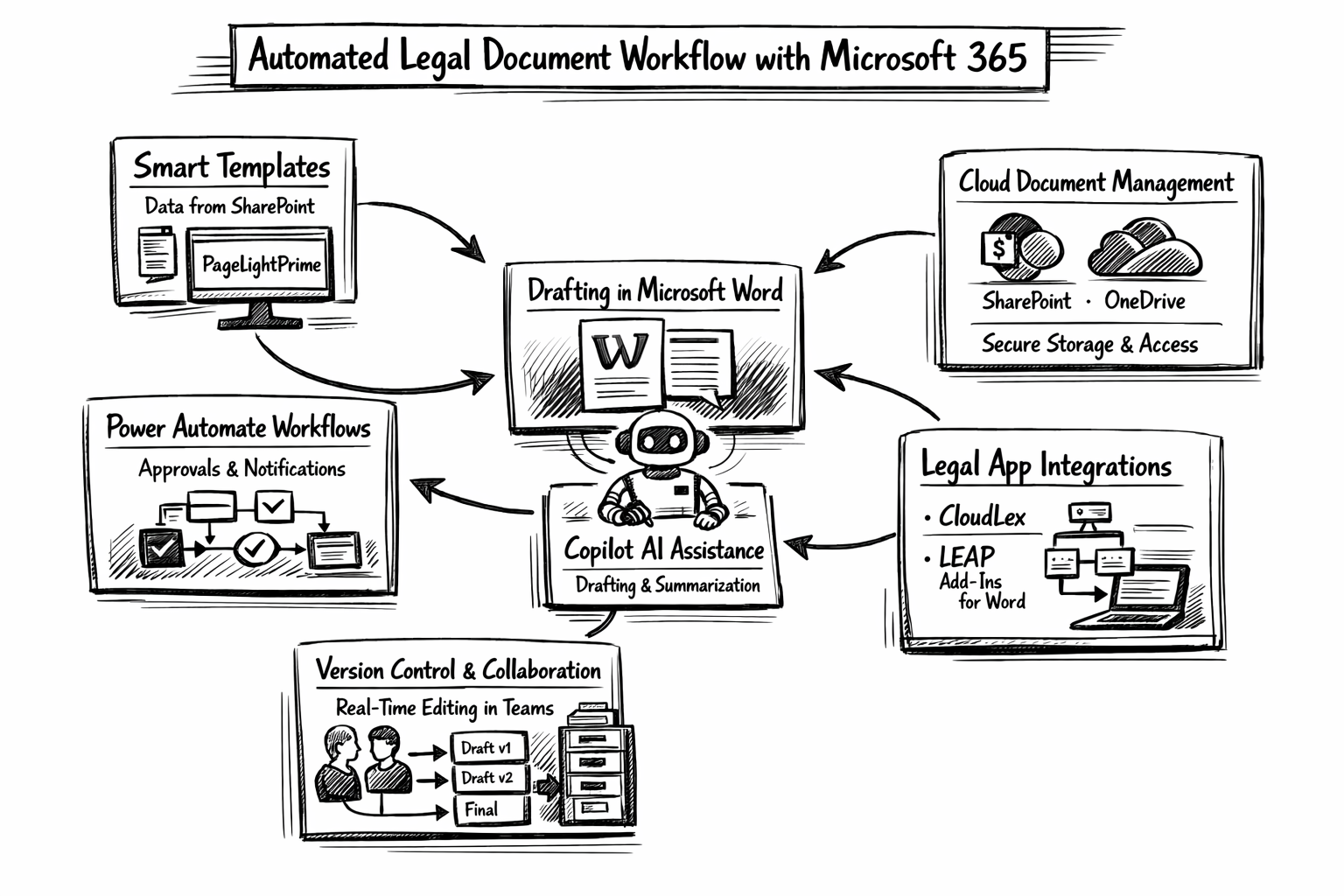

The Challenge
Wolters Kluwer and Microsoft’s Modern Work Customer Co-Innovation team partnered to explore how document understanding AI could reduce legal research drag inside lawyers’ existing tools, starting with Microsoft Word. The goal was to surface relevant legal guidance and internal firm knowledge at the moment it was needed, while maintaining trust in why the system was making suggestions.

My role
Innovation Experience Designer (MWCCI, Microsoft). I led UX exploration and interaction design and facilitated work-sessions with Wolters Kluwer to land a prototype experience in Word, but scalable across Sharepoint and other destinations, with a focus on navigation, explainability, and trust building.
What I worked on
We shaped the concept into a guided, in-context assistant that could bring high-value resources into a lawyer’s workflow without forcing context switching.
Trust and explainability patterns for AI suggestions
A core UX risk was user skepticism: Why is the system showing this, is it right, what’s missing, and what’s driving priority. I explored interface patterns that made recommendations legible and defensible, so lawyers could build confidence quickly.Navigation and drill-down for dense information
The product needed to present a lot of information without overwhelming users. I designed progressive disclosure and information hierarchy that let users start with a simple summary, then drill into sources, rationale, and related materials as needed.Prototyping and iteration in a fast co-innovation model
This engagement moved quickly, from problem framing and concepting to a working prototype tested with legal professionals on an aggressive timeline.